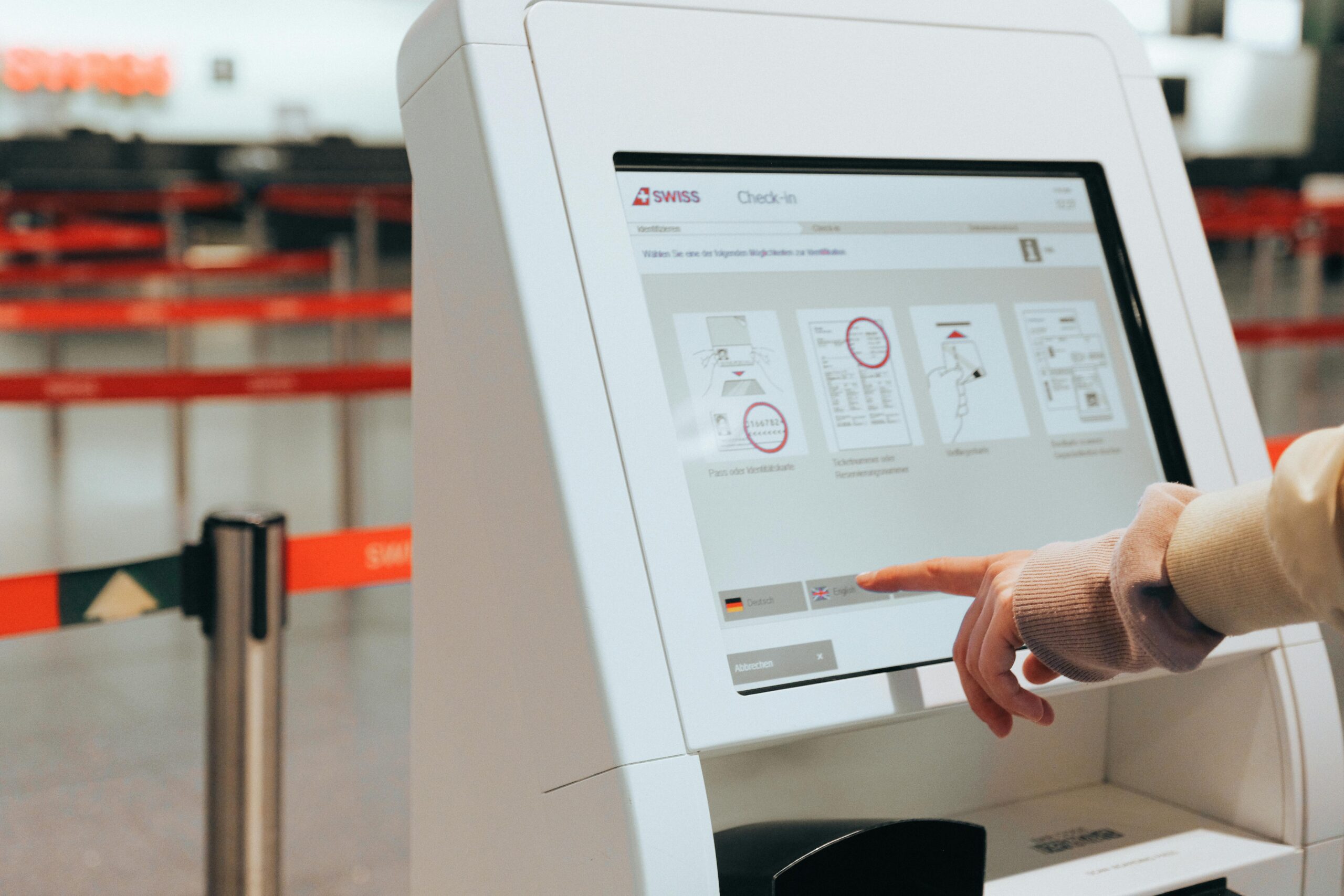
Travel should be exciting, not exhausting. The key to transforming your journey from chaotic to calm lies in digital organization before you even reach the airport.

Modern travelers face an overwhelming amount of information: booking confirmations, boarding passes, hotel reservations, travel insurance documents, and countless emails scattered across multiple platforms. Without a systematic approach to organizing these digital assets, you’re setting yourself up for unnecessary stress, frantic searches at security checkpoints, and potential travel disruptions that could have been easily avoided.
Why Digital Organization Makes or Breaks Your Travel Experience ✈️
The difference between seasoned travelers and stressed ones isn’t luck—it’s preparation. Digital organization transforms your smartphone or tablet into a comprehensive travel command center, putting everything you need at your fingertips without the bulk of printed documents or the anxiety of missing critical information.
Research shows that travelers who digitally organize their trip details spend 40% less time dealing with logistics during their journey and report significantly lower stress levels. When you have instant access to all your travel documents, you can focus on what matters: enjoying your destination.
The Foundation: Creating Your Digital Travel Hub 📱
Before diving into specific checklists, establish a centralized system for all your travel information. This foundation prevents the common problem of having documents scattered across email, text messages, and various apps.
Choose Your Primary Organization Method
Select one primary system that works for your travel style. Options include dedicated travel apps, cloud storage folders, or comprehensive note-taking applications. The key is consistency—use the same system for every trip to build efficient habits.
Cloud storage solutions like Google Drive or Dropbox offer excellent flexibility, allowing you to create a “Travel 2024” folder with subfolders for each trip. Within each trip folder, organize documents by category: flights, accommodations, activities, insurance, and important contacts.
Enable Offline Access for Critical Documents
Digital organization fails if you can’t access your documents without internet connectivity. Before departing, ensure all critical files are available offline. Most cloud storage apps allow you to mark specific files for offline access, downloading them directly to your device.
This step becomes crucial when you’re in airplane mode, navigating underground metro systems, or visiting countries with limited connectivity. Your boarding pass, hotel confirmation, and emergency contact information should always be accessible regardless of your network status.
The Complete Pre-Flight Digital Checklist 📋
This comprehensive checklist ensures nothing falls through the cracks during your travel preparation. Work through these items at least one week before departure for domestic trips and two weeks for international journeys.
Flight and Transportation Documents
Start with the most critical component of your journey: getting from point A to point B. Collect and organize all transportation-related documents in one easily accessible location.
- Download all boarding passes (if available early) and save as PDFs
- Screenshot booking confirmation numbers for each flight segment
- Save airline confirmation emails with ticket numbers
- Store frequent flyer numbers and membership details
- Record flight times in local time zones to avoid confusion
- Save airport terminal information and gate details if available
- Download airport maps for any locations with connections
- Keep ground transportation confirmations (rental cars, shuttles, rideshares)
Pro tip: Create a simple text file or note with all confirmation numbers in one place. When airline websites crash or apps malfunction, having these numbers readily available lets you quickly check in at kiosks or speak with agents.
Accommodation Confirmations and Details
Arriving at your destination shouldn’t involve frantically searching through emails for your hotel address. Organize all accommodation information before departure.
- Save hotel or vacation rental confirmation emails as PDFs
- Screenshot the property address with a map pin location
- Store check-in and check-out times with timezone notations
- Keep booking reference numbers accessible
- Save property contact phone numbers (local and international formats)
- Download any access codes, lock box combinations, or entry instructions
- Store cancellation policy details in case plans change
Financial and Payment Information
Money matters require careful digital organization to prevent financial disruptions during your trip. Create a secure system for managing payment information while maintaining security best practices.
- Photograph credit and debit cards (front only, store securely)
- Record customer service phone numbers for each financial institution
- Note international transaction policies for your cards
- Save travel insurance policy numbers and emergency contact details
- Store emergency cash location information (if applicable)
- Keep digital copies of travel insurance documentation
- Record daily spending limits and account balances before departure
Security note: Store sensitive financial information in password-protected apps or encrypted files. Never save complete card numbers or CVV codes in plain text documents accessible without authentication.
Essential Identity and Legal Documents 🛂
Identity documents form the backbone of international travel, yet they’re often the most stressful component when something goes wrong. Digital backups don’t replace physical documents but provide crucial backup information if documents are lost or stolen.
Passport and Visa Documentation
Create multiple digital copies of your passport stored in different locations. Take clear, high-resolution photos of your passport information page, ensuring all text is readable.
- Scan or photograph passport information pages
- Save visa documents or electronic travel authorization confirmations
- Record passport numbers, issue dates, and expiration dates in a secure note
- Store emergency contact information from your passport
- Keep digital copies of passport photos for emergency replacements
- Save embassy and consulate contact information for your destination
Email these documents to yourself at multiple email addresses and store them in your cloud storage. If your phone is lost or stolen, you can still access this critical information from any device.
Health and Vaccination Records
Post-pandemic travel often requires health documentation. Organize these materials systematically to streamline border crossings and accommodation check-ins.
- Download vaccination certificates or health passes required for entry
- Store COVID-19 test results if needed for travel
- Keep digital copies of prescriptions for medications you’re carrying
- Save travel health insurance policy information
- Record blood type and allergies in an emergency information file
- Store physician contact information for medical emergencies
Activity Planning and Reservation Management 🎫
Pre-booked activities, tours, and experiences require the same organizational attention as flights and hotels. Missing a prepaid tour because you couldn’t find the confirmation details is both frustrating and expensive.
Tour and Activity Confirmations
Consolidate all activity bookings into a chronological itinerary that’s easy to reference throughout your trip.
- Save confirmation emails for all booked tours and activities
- Note meeting locations with map coordinates
- Record contact information for tour operators
- Store cancellation policies and timeframes
- Keep weather-dependent activity alternative plans
- Save dress code or equipment requirements for each activity
Create a day-by-day itinerary document that includes timing, locations, and confirmation numbers for each activity. This master schedule helps you visualize your trip flow and identify potential scheduling conflicts before departure.
Communication and Connectivity Essentials 📶
Staying connected while traveling requires advance planning, especially for international destinations where your regular phone plan may not function or could incur massive roaming charges.
Contact Information Organization
Compile a comprehensive contact list that goes beyond what’s already in your phone. Include local emergency services, travel companions, and support contacts.
- Save emergency contacts with international dialing codes
- Store local emergency service numbers (police, ambulance, fire)
- Keep airline customer service numbers for each carrier
- Record hotel/accommodation contact details
- Save travel companion contact information
- Store home contacts who can assist with emergencies
- Keep credit card customer service international numbers
Internet and Phone Connectivity Plans
Document your connectivity strategy to avoid confusion at your destination and prevent unexpected roaming charges.
- Screenshot mobile data roaming settings and plans
- Save international SIM card or eSIM purchase confirmations
- Record WiFi passwords for accommodations
- Download offline maps for your destination
- Store VPN login credentials if traveling to restricted regions
- Keep important phone numbers that work without data connection
Creating Your Master Travel Information Document 📄
With all your documents organized into categories, create one master reference document that serves as your quick-access travel bible. This single file should contain the most critical information from each category, formatted for rapid scanning when you’re stressed or rushed.
Essential Information Format
Structure your master document with clear headers and consistent formatting. Include only the most crucial details—reservation numbers, times, addresses, and emergency contacts. This isn’t the place for lengthy policy documents or detailed itineraries; it’s your emergency quick-reference guide.
Format this document for mobile viewing. Use large fonts, plenty of white space, and clear section breaks. When you’re dealing with airport chaos or language barriers, you need information that’s instantly comprehensible without scrolling or zooming.
Digital Security Measures for Travel Documents 🔒
Organizing your travel documents digitally introduces security considerations that physical documents don’t present. Balance accessibility with protection to keep your information safe while maintaining convenient access.
Multi-Layered Security Approach
Implement security measures that protect your information without creating access barriers that could leave you stranded without critical documents during emergencies.
- Use password-protected or encrypted folders for sensitive documents
- Enable biometric authentication on travel apps containing personal data
- Store backup copies in multiple secure locations (cloud, email, USB drive)
- Avoid storing complete credit card numbers or PIN codes digitally
- Use secure password managers for login credentials
- Enable two-factor authentication for critical travel accounts
Consider creating a trusted contact backup system. Share read-only access to your travel document folder with a trusted person at home. If your devices are lost or stolen, they can send you copies of critical documents, potentially saving your entire trip.
Final Week Preparation Protocols ⏰
Execute these final checks in the week leading up to departure to catch any issues while you still have time to address them.
Seven Days Before Departure
Review all bookings for accuracy. Verify that names match your identification documents exactly, confirm dates and times align with your plans, and check that you haven’t accidentally booked the wrong month or year—it happens more often than you’d think.
Download and test all travel apps you’ll need. Ensure you can log in successfully, that apps are updated to current versions, and that you understand basic functionality before you’re relying on them in unfamiliar environments.
48 Hours Before Departure
Check in for flights as early as your airline allows and download all boarding passes. Even if you prefer mobile boarding passes, save PDF copies as backup in case your phone battery dies or apps malfunction.
Verify all documents are accessible offline. Toggle your phone to airplane mode and confirm you can access every critical document without internet connectivity. This simple test prevents unpleasant surprises when you actually need offline access.
Day of Departure
Charge all devices to full capacity and bring portable battery packs. Your digital organization system is only effective if your devices remain powered throughout your journey.
Take final screenshots of real-time flight information, including gate assignments and any schedule changes. Airlines update this information frequently, and having current details captured before losing connectivity can prevent confusion during connections.
Building Long-Term Travel Organization Habits 🌍
The real power of digital travel organization emerges when it becomes a consistent system rather than a one-time effort. After each trip, spend 30 minutes reviewing what worked, what caused stress, and how you can improve your process for next time.
Create a reusable template based on this checklist, customized to your specific travel style and frequent needs. The more you refine your system, the faster and more efficient your pre-trip organization becomes. Eventually, what initially took hours of stressed scrambling reduces to a smooth 30-minute routine.
Maintain an ongoing travel folder in your cloud storage with documents that apply to all trips: passport scans, standard packing lists, frequent flyer information, and trusted emergency contacts. When planning new travel, you’re starting from a foundation rather than building from scratch each time.
Transforming Travel Stress Into Travel Excitement ✨
Comprehensive digital organization doesn’t just prevent problems—it fundamentally changes your travel experience. Instead of approaching trips with underlying anxiety about forgotten documents or missing information, you board planes with confidence, knowing everything you need is organized, accessible, and backed up.
The minutes saved at airport check-ins, hotel arrivals, and tour meeting points accumulate into hours of reclaimed vacation time. More importantly, the mental energy freed from logistics anxiety becomes available for actually experiencing your destination, connecting with travel companions, and creating the memories that make travel worthwhile.
Start implementing this digital organization checklist for your next trip, regardless of whether it’s a weekend getaway or a month-long international adventure. The systems and habits you develop now will serve you through decades of future travel, making each journey smoother than the last.
Your next stress-free journey begins not at the airport, but with the digital organization work you do before leaving home. Invest the time upfront, and you’ll reap the rewards throughout every stage of your travel experience. Safe travels! 🧳